Usage
To allow your users to register interest in a product that's out of stock, you'll need to provide them a form to enter their email. This will subscribe them to an email notification, when that variant becomes available.
Check out our ready-to-go Tailwind template.
Put the form in a product template where product is the Commerce Product being displayed. This example subscribes to its default variant and works for guests as well as signed-in customers:
<form method="post">
    {{ csrfInput() }}
    {{ actionInput('craft-commerce-back-in-stock/base/register-interest') }}
    {{ hiddenInput('variantId', product.defaultVariant.id) }}

    <label for="back-in-stock-email">Your Email</label>
    <input id="back-in-stock-email" type="email" name="email"
        value="{{ currentUser ? currentUser.email : '' }}" required>

    <button type="submit">Notify Me When Available</button>
</form>
A request belongs to a variant, not the whole product. If your page lets customers choose a size or colour, update variantId to the selected variant before submitting. Otherwise, someone waiting for a medium shirt could be subscribed to the default size instead.
You can also include an options value to save additional information with the form submission. This should be in the form of a JSON object. This input is entirely optional.
{% set options = { title: 'Some Title', productAttribute: 'Some Value' } %}

<input type="hidden" name="options" value="{{ options | json_encode }}">
Options are limited to an 8 KB JSON object and provide template context; they do not create separate notification requests for the same email, variant, site, and locale. Registration is also temporarily limited to ten requests from the same direct connection address or for the same recipient within five minutes. Visitors behind a shared proxy or network address share that allowance, and multi-node sites should use shared cache and mutex backends.
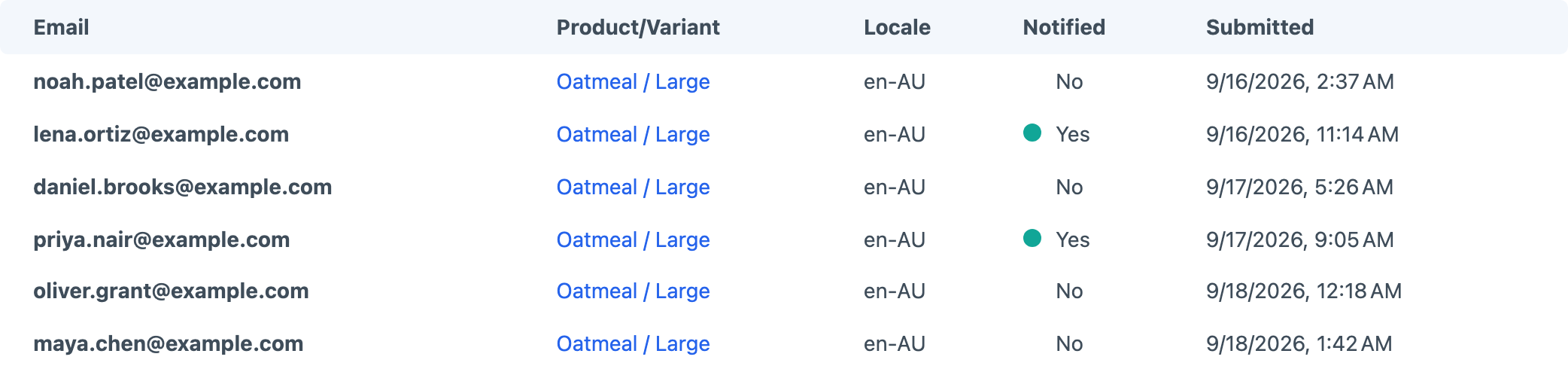
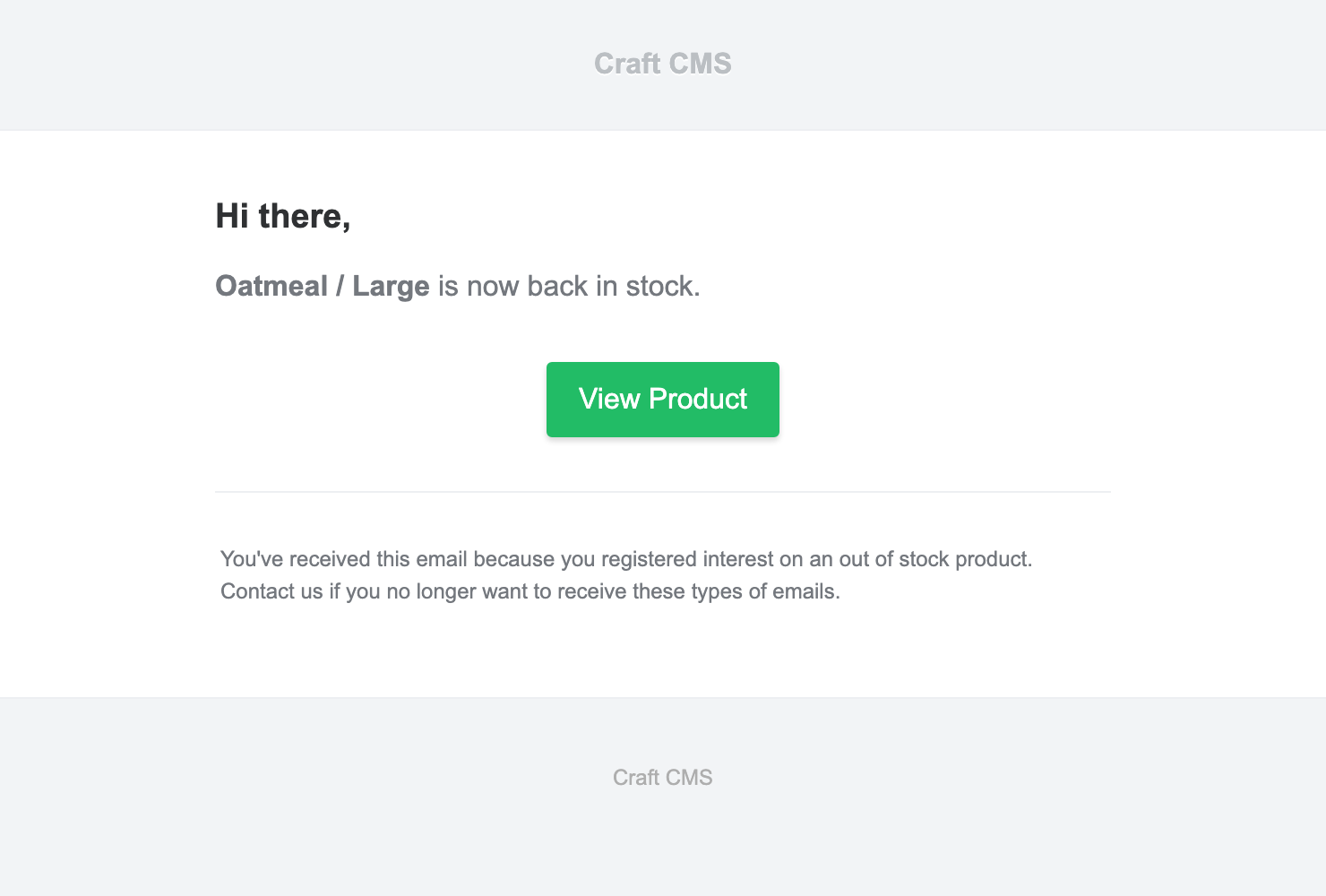
Test with an out-of-stock variant and an email address you can read. Submit the form, then check the request in Back In Stock's Logs. Increase that variant's stock above the configured stockThreshold and allow Craft's queue to run. The resulting availability email should identify the same variant. If it does not arrive, check failed queue jobs and Craft's email configuration before submitting more requests.
Confirmation Email
You can also set an email to be sent when someone registers their interest. Enable confirmation emails and configure their subject and template in the plugin settings. Confirmation is a separate queued email from the later stock notification; test both parts of the journey.
Automatically Purge Notifications
If privacy is a requirement you'll want to enable "Automatically Purge Notification Requests". This will delete the users information once they have been notified rather than being kept in the database.