Navigation
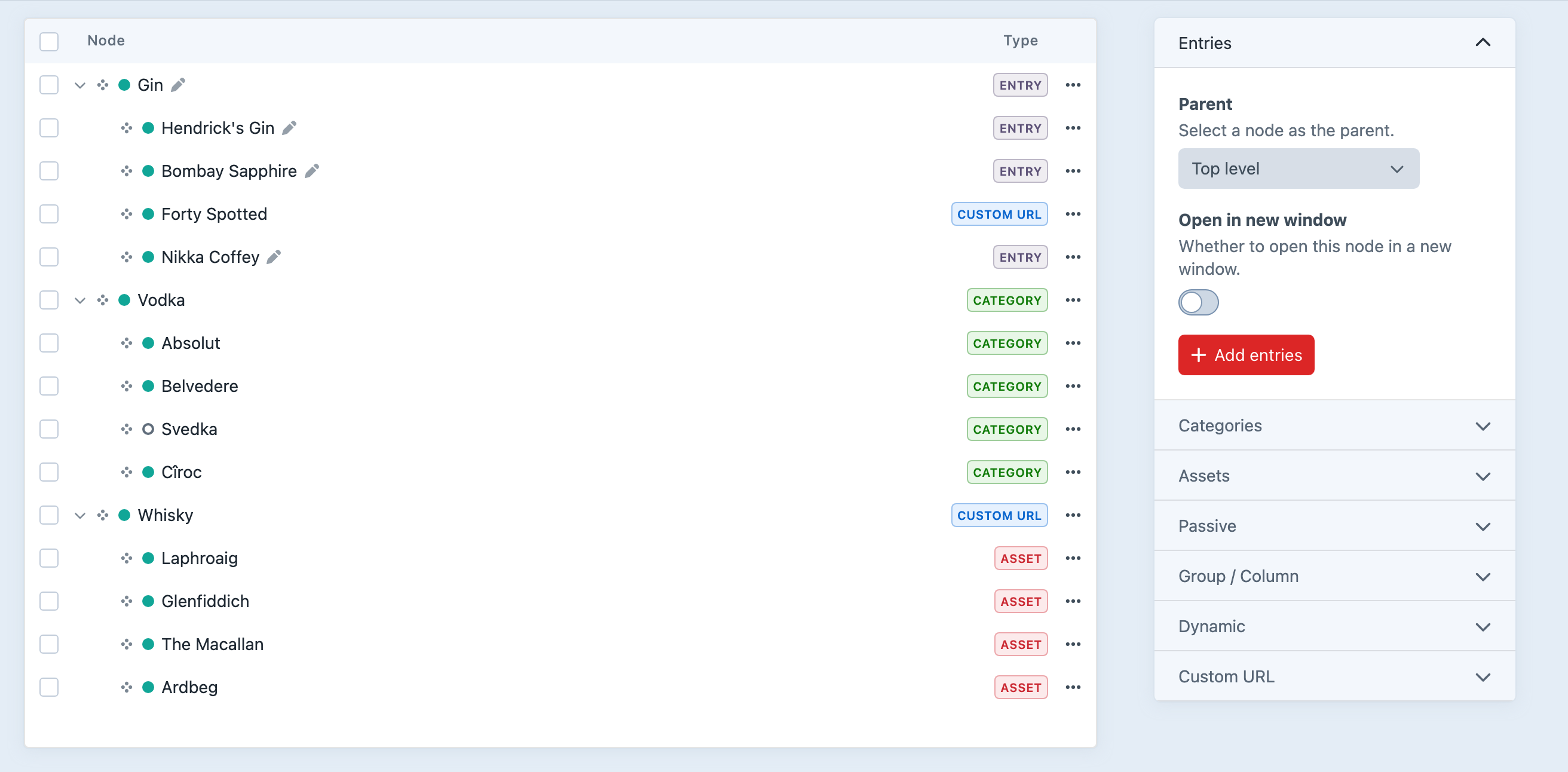
Manage navigation menus for your Craft site. Link to existing elements such as entries, categories and products, add custom URLs, and arrange the hierarchy without forcing the content tree to double as the menu.
Nodes are elements
Query navigation nodes in the familiar ways you already use for entries and other Craft elements.
Entries, categories and more
Link entries, assets, categories, Commerce products and other supported elements.
Custom URLs
Add external sites, anchors and destinations that do not belong to a Craft element.
Node options
Enable or disable a node, open it in a new window, or add project-specific CSS classes.
Smart updating
Let a node follow changes to its linked element’s title and status, unless you choose to override them.
Multi-site support
Manage navigation values and propagation across the project’s sites.
Flexible menu structures
Create as many navigations as the site needs and arrange their nodes independently of Craft’s section structure. Authors can build headers, footers, utility menus and deeply nested structures, with custom fields when a link needs more than a label and URL.
Templating
Use Navigation’s Twig renderer or query the structure and supply all the markup yourself.
Breadcrumbs
Build breadcrumb data from the current URL and navigation structure.
Third-party hooks
Add support for custom element types through straightforward extension points.
GraphQL
Query navigations and nodes for decoupled front ends.
Get started with Navigation
Available for Craft 3, 4 and 5. Get it from the plugin store.