Overview
Prism provides a code-editing field with syntax highlighting in the control panel. Use it when editors need to store examples of HTML, CSS, JavaScript or another supported language as content, such as code samples in a tutorial.
Create a Code Field
In Settings → Fields, create a field named Code Sample with the handle codeSample and choose Prism Syntax Highlighting. Select the language and editor theme, then add the field to the field layout used by your tutorial entries.
Open an entry and enter a short sample. For example, for an HTML field:
<h2>Hello from the tutorial</h2>Save the entry and reopen it. The sample should remain editable with the selected syntax highlighting. Editor height, tab width and line numbers affect the editing experience; choose them to suit the snippets your editors will enter.
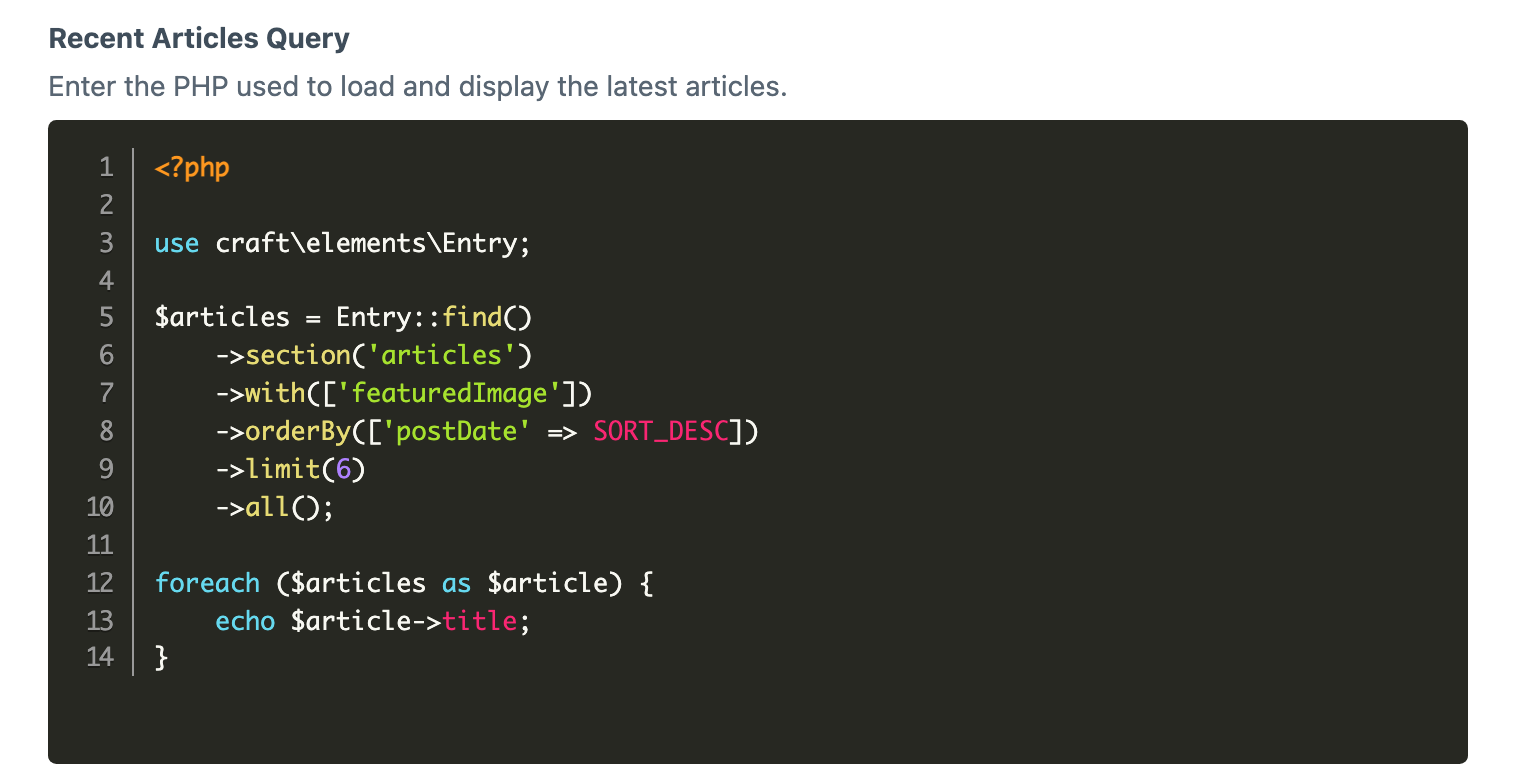
Display the Stored Code
The field stores text. In the entry's Twig template, render that text inside pre and code elements:
{% if entry.codeSample %}
    <pre><code class="language-html">{{ entry.codeSample }}</code></pre>
{% endif %}
This assumes an entry variable and the field handle codeSample. Keep Twig's normal escaping so an HTML sample appears as code rather than becoming part of the page. Do not add raw when displaying editor-entered code samples.
The field's control-panel theme does not automatically style this output. Your front-end stylesheet can style the code block, and your site's syntax-highlighting assets can use its language class. Use a class matching the content's language; the example uses HTML.
View the entry and check that the literal heading tags are visible as sample code, rather than producing a heading. Also check an entry with an empty field: the example omits the empty block.
Adjust the Editor
Use the field settings to choose themes, languages, tab width, editor height and line numbers. Shared configuration is described on Configuration. Keep the allowed language choices aligned with the examples your site can display.