Usage
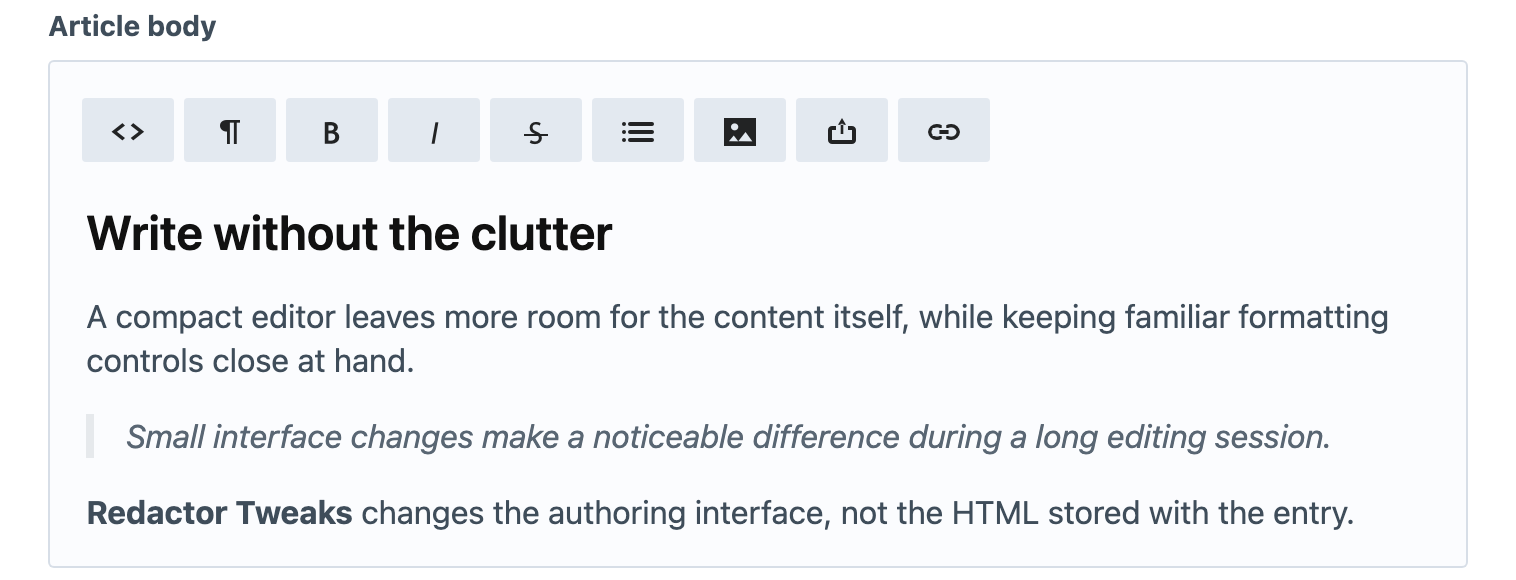
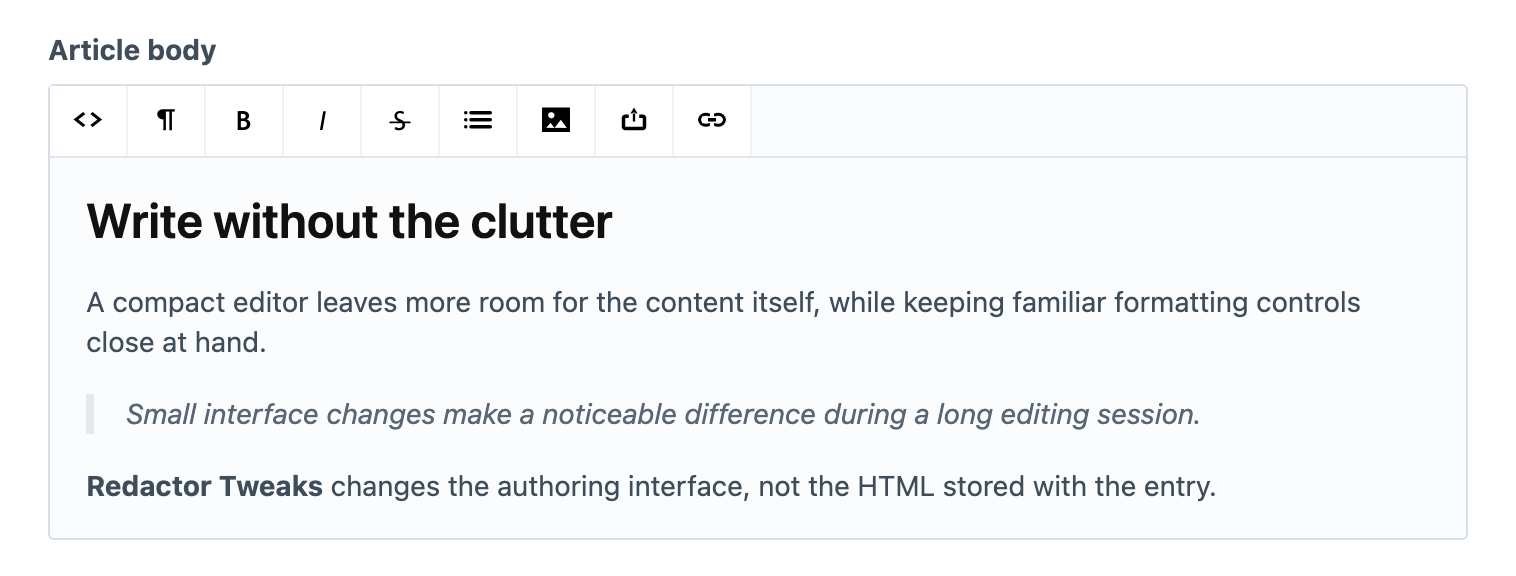
Redactor Tweaks changes the appearance of Redactor fields in the Craft control panel. It applies a Helvetica-based font, reduces the text size to 14px and uses smaller toolbar buttons. It does not change the HTML stored by the field or add styling to your public website.
Check a Redactor Field
Install and enable the Redactor plugin, then open an entry containing a Redactor field. With Redactor Tweaks enabled, the editor uses the adjusted typography and toolbar sizing automatically; there is no separate field type to select.
If the appearance does not change, confirm that you are looking at a Redactor field and that both plugins are enabled. A different rich-text editor does not receive these styles. Reload the control-panel page after enabling the plugin so its stylesheet can load.
Your site's template and stylesheets continue to control the appearance of the saved content on the front end.