Timber
Browse, search and monitor application logs from the Craft control panel, so finding the useful line does not mean wrestling with raw text or reaching for shell access.
Find the line that explains it
Bring Craft web and queue logs, PHP errors, third-party logs, rotated files, compressed archives and plain-text logs into one responsive interface. Timber recognises common formats without hiding unmatched lines, so unusual output remains available when it matters.
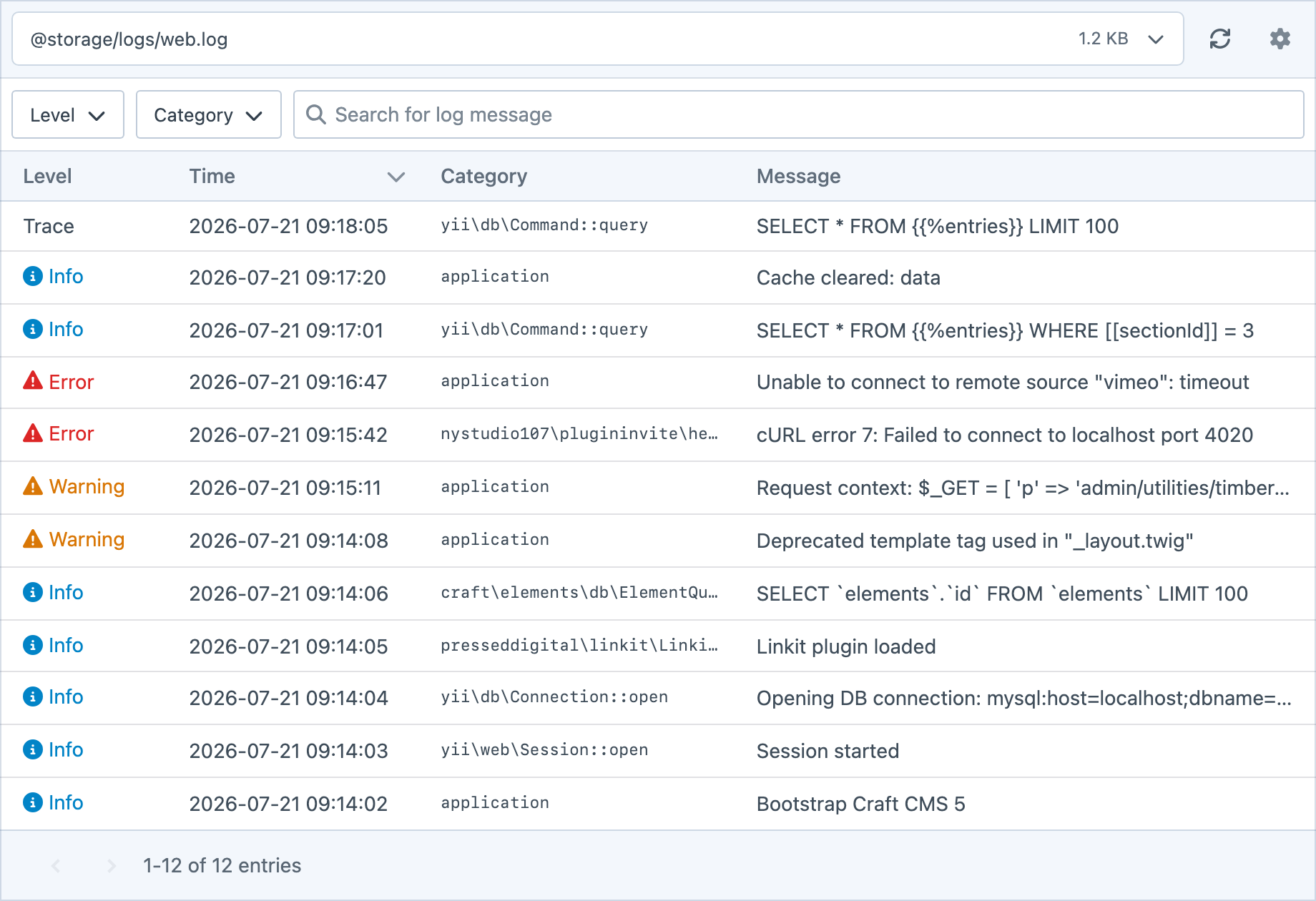
Filtering, sorting and searching
Narrow a busy log by level or category, sort its entries and search the full message text. Timber keeps the controls close to the data, so moving from a symptom to the useful line takes less time.
Real-time logging
Sit back with a coffee and watch new entries arrive when the server supports the required tools.
Permissioned access
Decide who can view individual files and separately control downloading or deleting logs.
No shell required
Save one file, collect available logs into a ZIP or clear old files from the control panel.
Get started with Timber
Available for Craft 4 and 5. Get it from the plugin store.