Sources
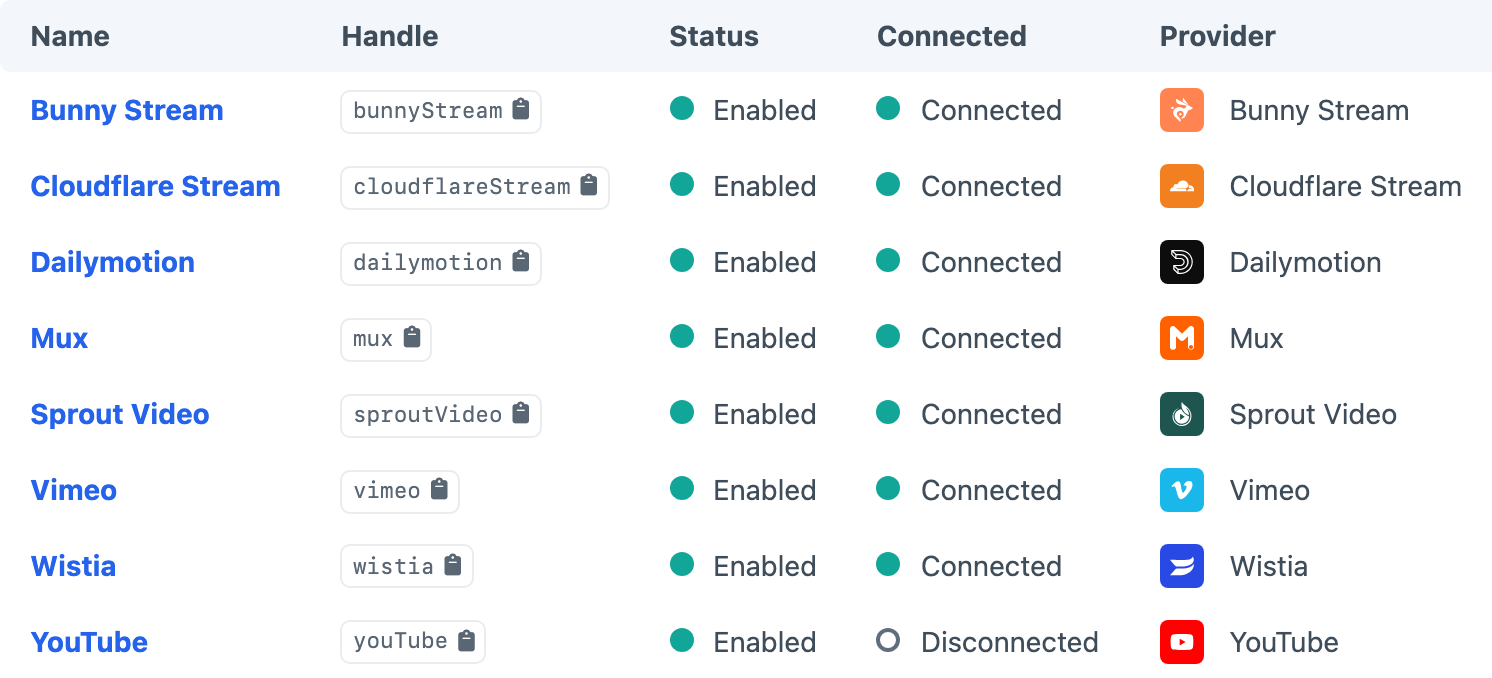
A Source connects Video Picker to a video provider. Once set up, you can browse videos in the field explorer or resolve them by URL.
Provider Settings
OAuth Sources need a client ID, client secret and connection handshake. Credential Sources use API tokens entered in the Source settings. Create a Source, follow its provider page, save it and complete Connect when shown. Confirm the Source is connected before assigning it to a field.
Available Fields
On each Source you can limit which Video Picker fields are allowed to browse it (Available Fields). Select All to allow every field, choose individual fields to limit access, or clear every checkbox to allow none. The field must still use a Source that is enabled and connected.
Editors need Explore videos to browse an allowed Source or resolve a pasted URL through the field. Give Sources permission only to users who manage provider credentials and connections.
Once an editor has made a selection, follow Rendering Videos. Custom integrations can select Sources in Twig.